
Console
You stay in control: manage your servers, backups and requests yourself, from one place.
3portals7/24access
Console · CareOn Cloud management screen
Your servers on one screen.
Track your servers' status, CPU and memory usage, snapshots and spending in Console, and create a new virtual server yourself in a few steps.
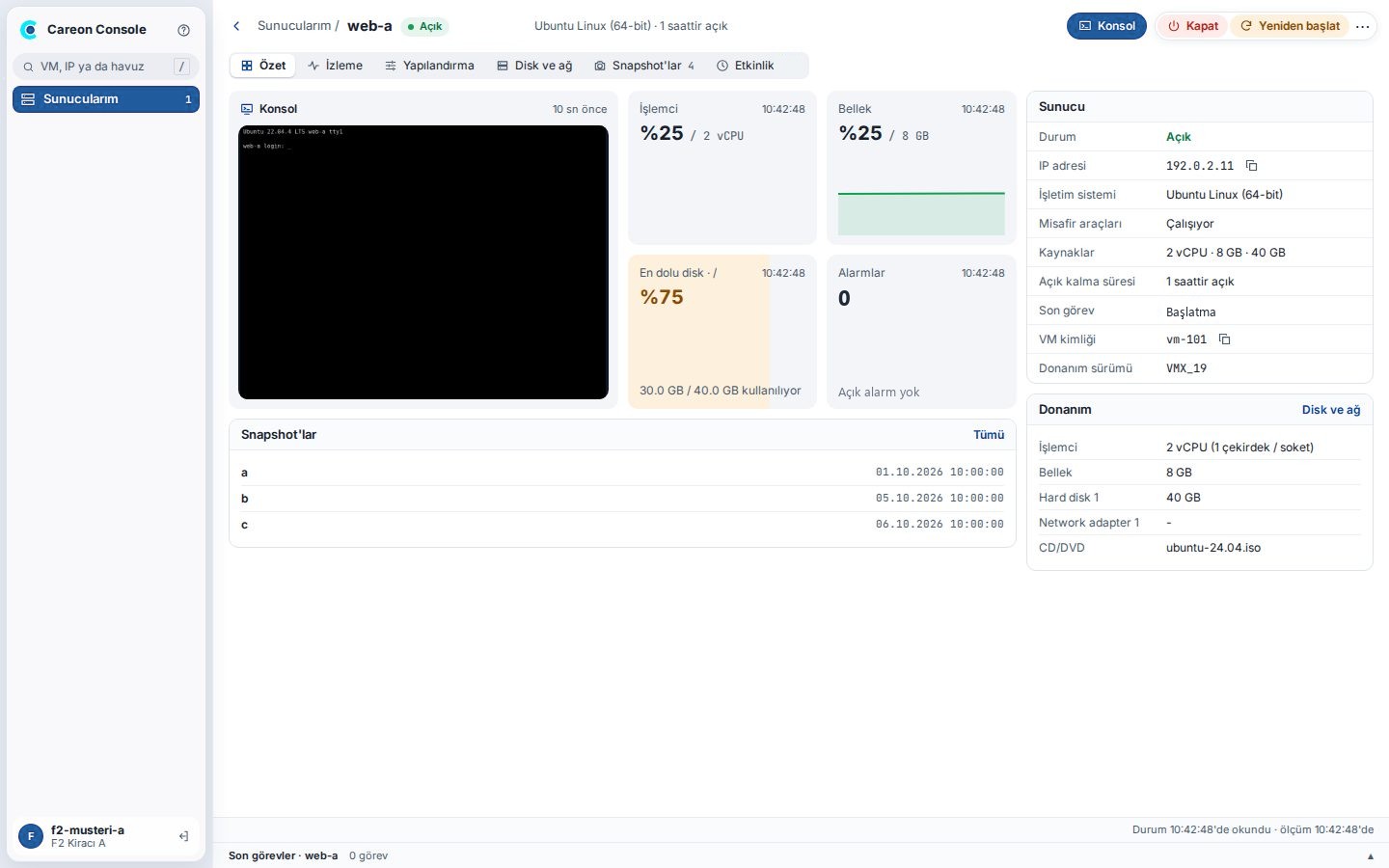 Consoleconnect to your server from the browser
Live usageCPU, memory and disk
Server informationIP, operating system, resources
Snapshotsrestore points in one list
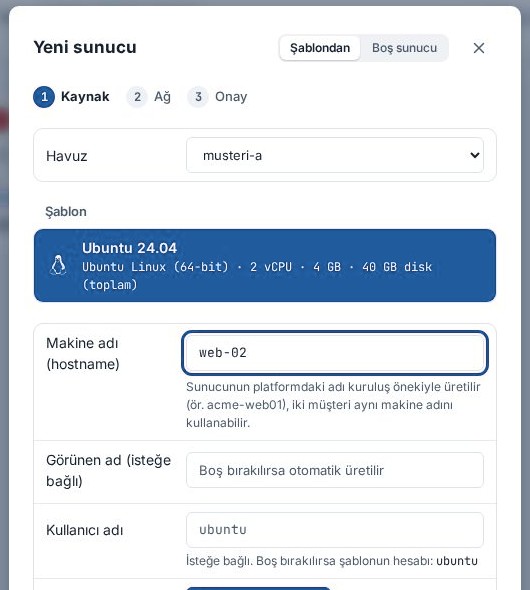
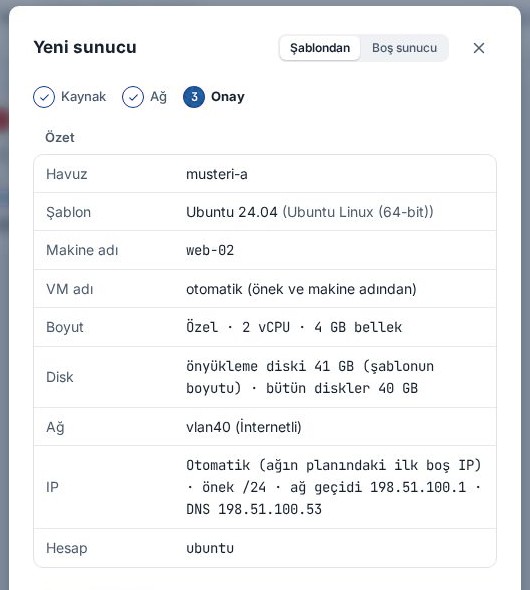
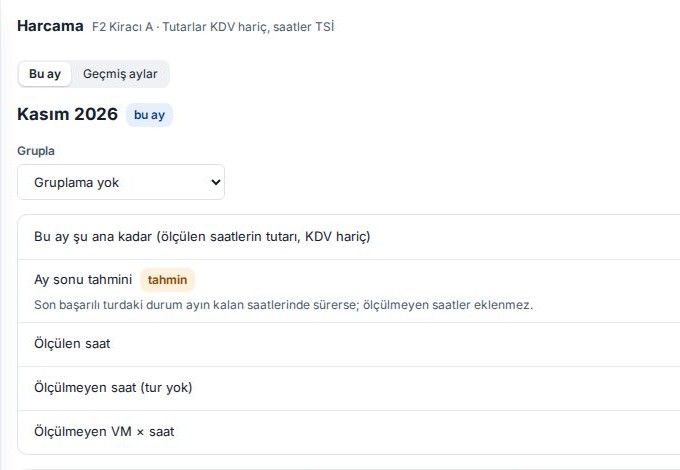
Screenshots are from the Console application's test environment, shown with sample data; no real customer information.
Three screens, one sign-in
You're in control.
Manage your servers, backups and requests yourself.
 Console
My servers
- web-01running
- app-01running
- db-01running
- test-01stopped
CareOn ProtectMy backups
- db-01last backup successful
- app-01last backup successful
- Recovery copyready
CareOn PlatformMy requests
- CO-24817 Storage poolclosed
- CO-24830 New userin progress
- CO-24834 Certificate renewalscheduled
Console · My serversSee the status of your servers in CareOn Cloud; create a new virtual server from the image catalog.
CareOn Protect · My backupsTrack the status of your backups and of the copy kept ready at the disaster recovery site.
CareOn Platform · My requestsOpen service requests and follow your tickets' status and first-response times.
For existing customers
Report a critical incident 24/7 through our critical incident line; for anything else, use the Contact page.